Best Gifts for People Who Work From Home
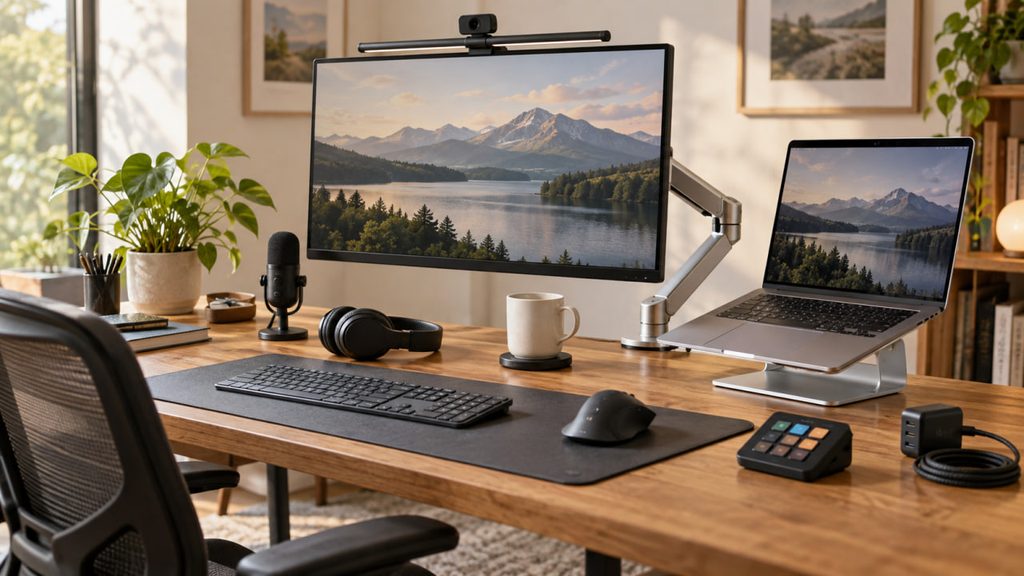
The best gifts for people who work from home make an ordinary working day more comfortable, organized, or enjoyable. A home office can mean a separate room, a corner of the bedroom, or a desk that shares space with the rest of the household. The right gift starts with that reality. Some people would appreciate better lighting or a dedicated webcam. Others want a quieter listening experience, a more convenient charging setup, or a coffee that stays warm through a meeting. A useful upgrade should fit what they already do, rather than ask them to rebuild their entire workspace.
This guide brings together ten gifts for remote workers, freelancers, hybrid workers, and anyone who spends regular time at a home desk. The selection includes everyday tools, more substantial workspace upgrades, and a small comfort for coffee breaks. Whether you are shopping for a partner, friend, family member, or colleague, choose the item that answers a real part of their routine. Disclosure: Some links in this guide may be affiliate links. We may earn a commission if you buy through them, at no extra cost to you. Product availability, prices, shipping times, and details may change over time, so always check the retailer’s page before purchasing.
Quick Picks
- Best mouse gift: Logitech MX Master 4 Ergonomic Wireless Mouse with Haptics
- Best desk lighting gift: BenQ ScreenBar Halo 2
- Best webcam gift: Logitech BRIO 4K
- Best microphone gift: Elgato Wave:3 MK.2 USB Condenser Microphone with DSP Effects
- Best headphones gift: Sony WH-1000XM5
- Best monitor arm gift: Ergotron LX Single Monitor Arm
- Best laptop stand gift: Rain Design mStand
- Best charging gift: Anker 140W Max 4-Port GaN Charger with Smart Display
- Best coffee break gift: Ember Mug 2 — 14 oz
- Best shortcut controller gift: Elgato Stream Deck MK.2
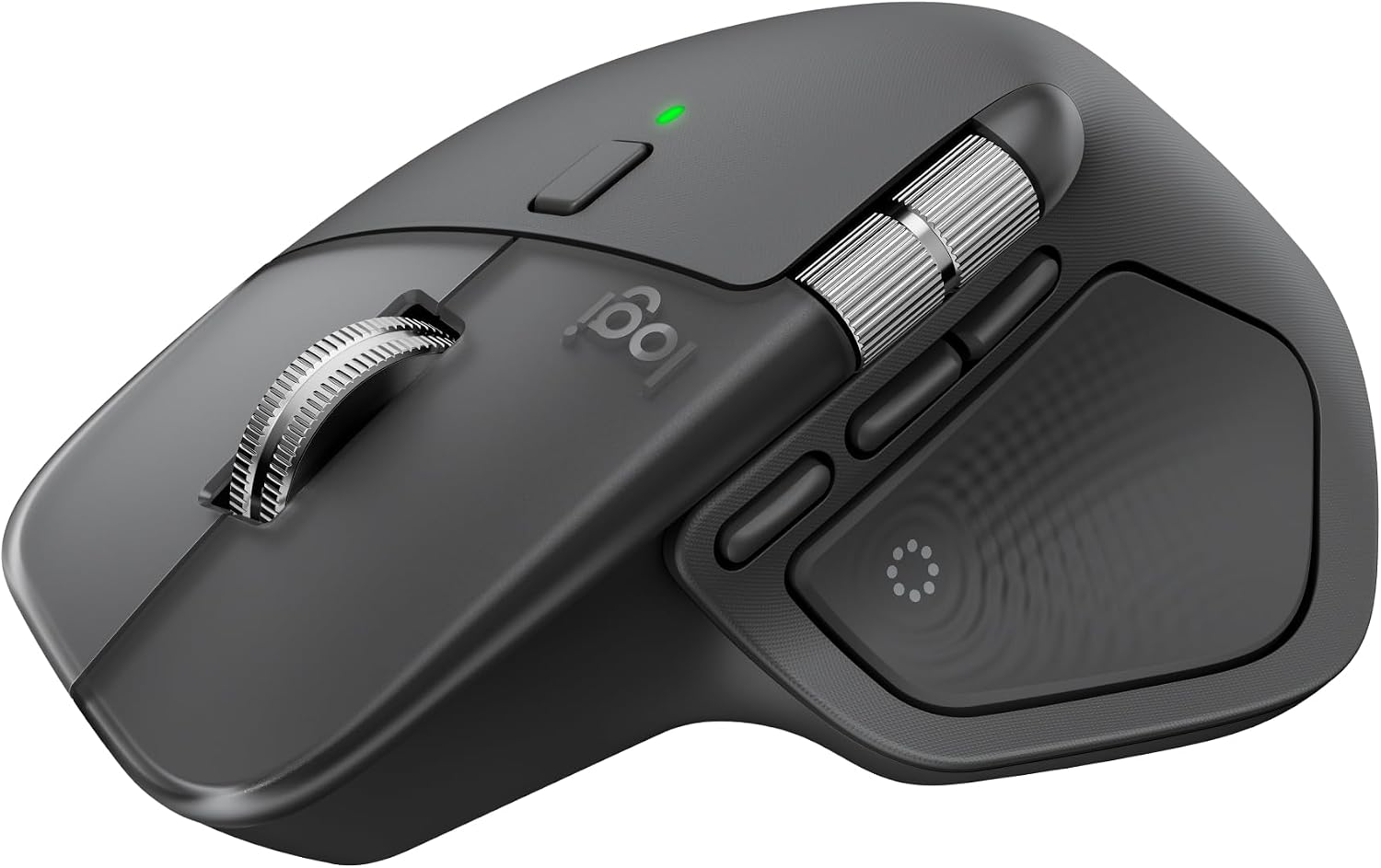
1. Logitech MX Master 4 Ergonomic Wireless Mouse with Haptics
A mouse is a thoughtful gift for someone who spends most of the day moving between documents, spreadsheets, and browser tabs. It is something they touch constantly, so a shape and control layout they enjoy can matter more than another decorative desk accessory. The Logitech MX Master 4 suits a person who likes a substantial mouse and wants more control over everyday computer work.
This model adds haptic feedback to the MX Master experience. Its appeal is the combination of an ergonomic shape and configurable controls, rather than a promise that a new mouse will make every task faster. Choose it for someone who enjoys tailoring their setup, and check their hand preference before buying. If they already love their current mouse, a different kind of desk upgrade may be the better surprise.
- Best for: desk-based professionals, spreadsheet users, and people who enjoy customizable controls
- Why it works: it upgrades a tool they use throughout the working day
- Price range: around $120
2. BenQ ScreenBar Halo 2
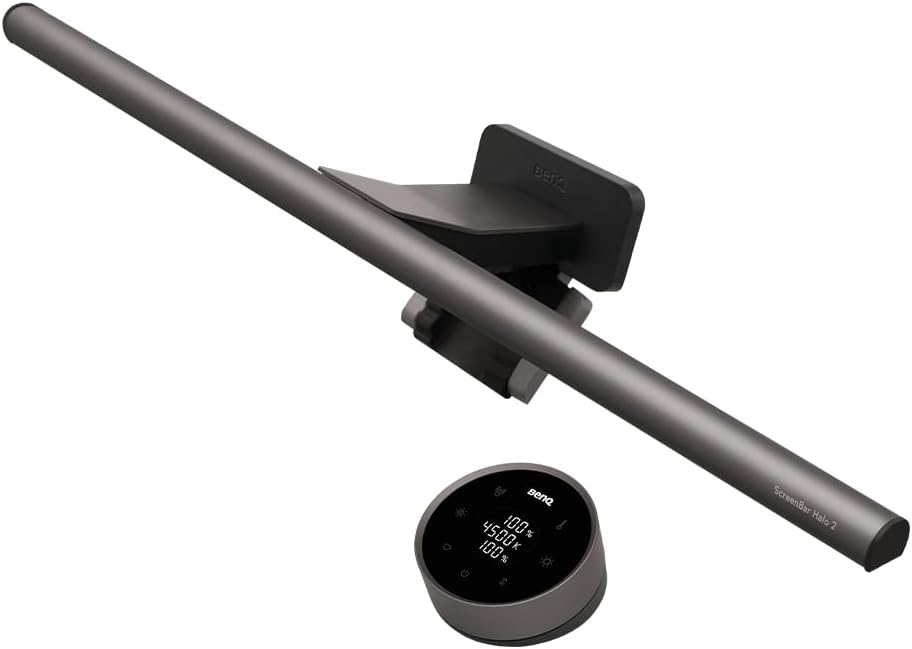
A crowded desk does not always have room for a large lamp base. The BenQ ScreenBar Halo 2 is a premium lighting gift for someone who works at a monitor and wants their desk to feel more inviting when daylight fades. It makes particular sense for a dedicated home office where the screen, keyboard, and paperwork stay in the same place.
A monitor light bar is mainly about lighting the work surface, so consider where the recipient actually needs light. Someone who regularly writes notes beside a keyboard may appreciate it more than a person who works from the couch. Check the monitor shape and mounting requirements before ordering, especially if a webcam already occupies the top edge. A little planning helps this gift become part of the workspace without creating another placement problem.
- Best for: dedicated home offices, evening desk work, and desks with limited lamp space
- Why it works: it adds task lighting without a conventional lamp base
- Price range: around $200
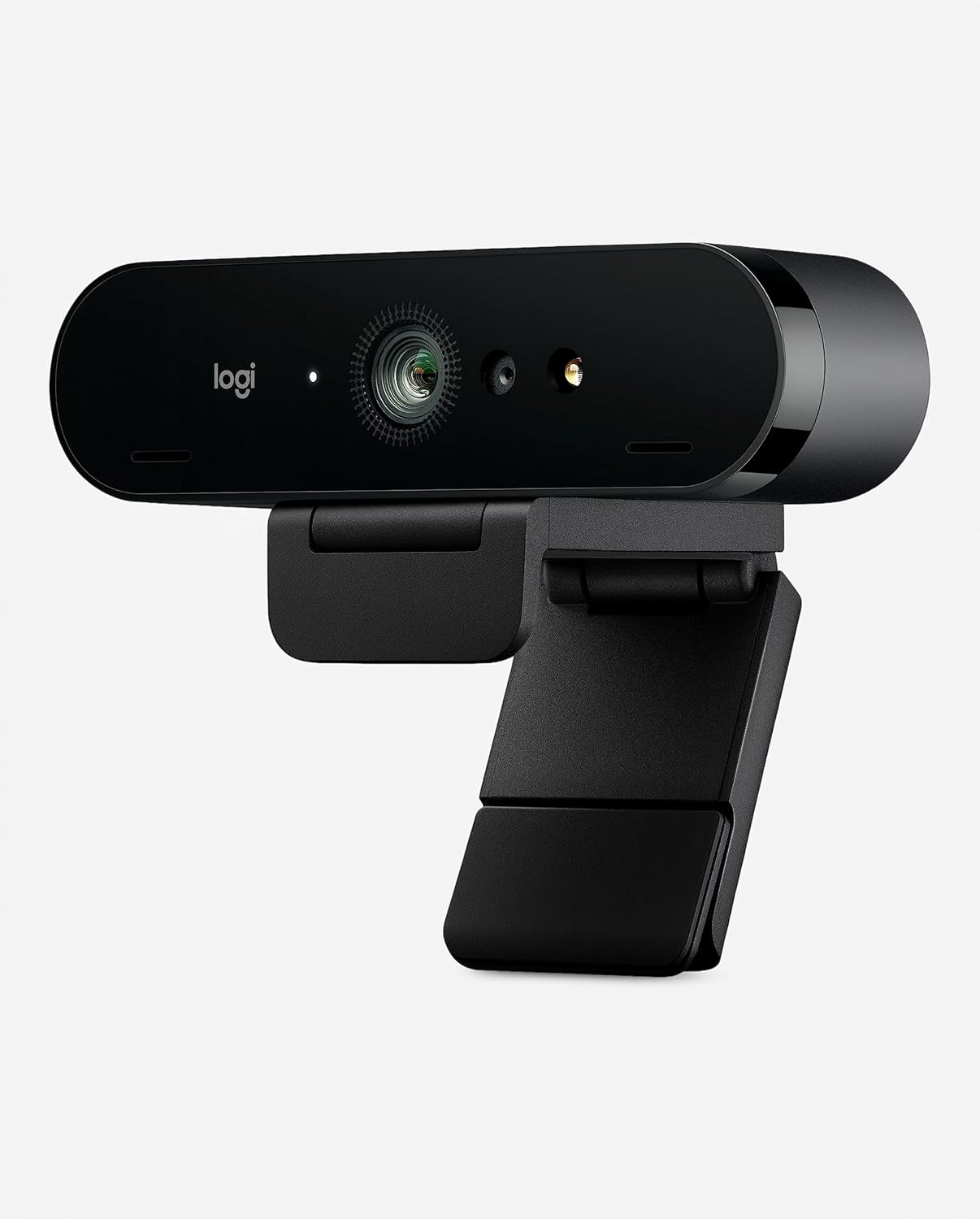
3. Logitech BRIO 4K
A separate webcam is a useful gift for someone whose day includes client calls, interviews, teaching, or presentations. The Logitech BRIO 4K gives them an option beyond the camera built into a laptop and allows the camera position to follow their main screen. That flexibility can be particularly helpful when the laptop sits off to one side.
The 4K label describes the camera’s capabilities; it does not mean every meeting will be transmitted in 4K. The calling app, connection, and computer setup still matter. Place it near eye level with light in front of the person for a more considered call setup. This is a good gift when video is a regular part of their work, but less useful for someone who keeps their camera off most days.
- Best for: remote presenters, online teachers, client meetings, and regular video calls
- Why it works: it gives their home office a dedicated camera and more flexible placement
- Price range: around $140
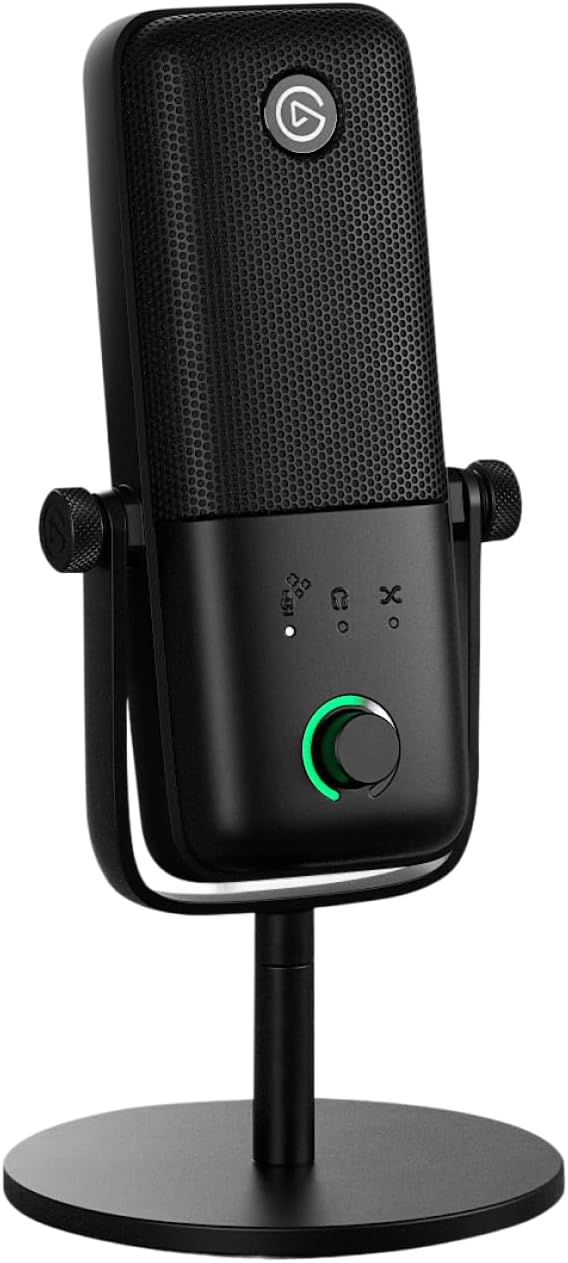
4. Elgato Wave:3 MK.2 USB Condenser Microphone with DSP Effects
A dedicated microphone can be a meaningful gift for someone who spends time explaining ideas out loud. Think online workshops, recorded lessons, voiceovers, or frequent presentations. The Elgato Wave:3 MK.2 USB condenser microphone with DSP effects is a choice for a recipient who wants a more deliberate audio setup and is willing to spend a little time arranging it.
Microphone placement matters just as much as the equipment on the desk. A mic positioned sensibly near the speaker is a more useful starting point than one left across the room. A condenser microphone can also pick up keyboard sounds and room noise, so this gift fits a reasonably controlled workspace. Allow room for the mic and cable, and check that the recipient can use the required connections and software on their work computer.
- Best for: online teaching, presentations, voice recording, and people building a desk audio setup
- Why it works: it gives spoken work its own dedicated microphone
- Price range: around $145
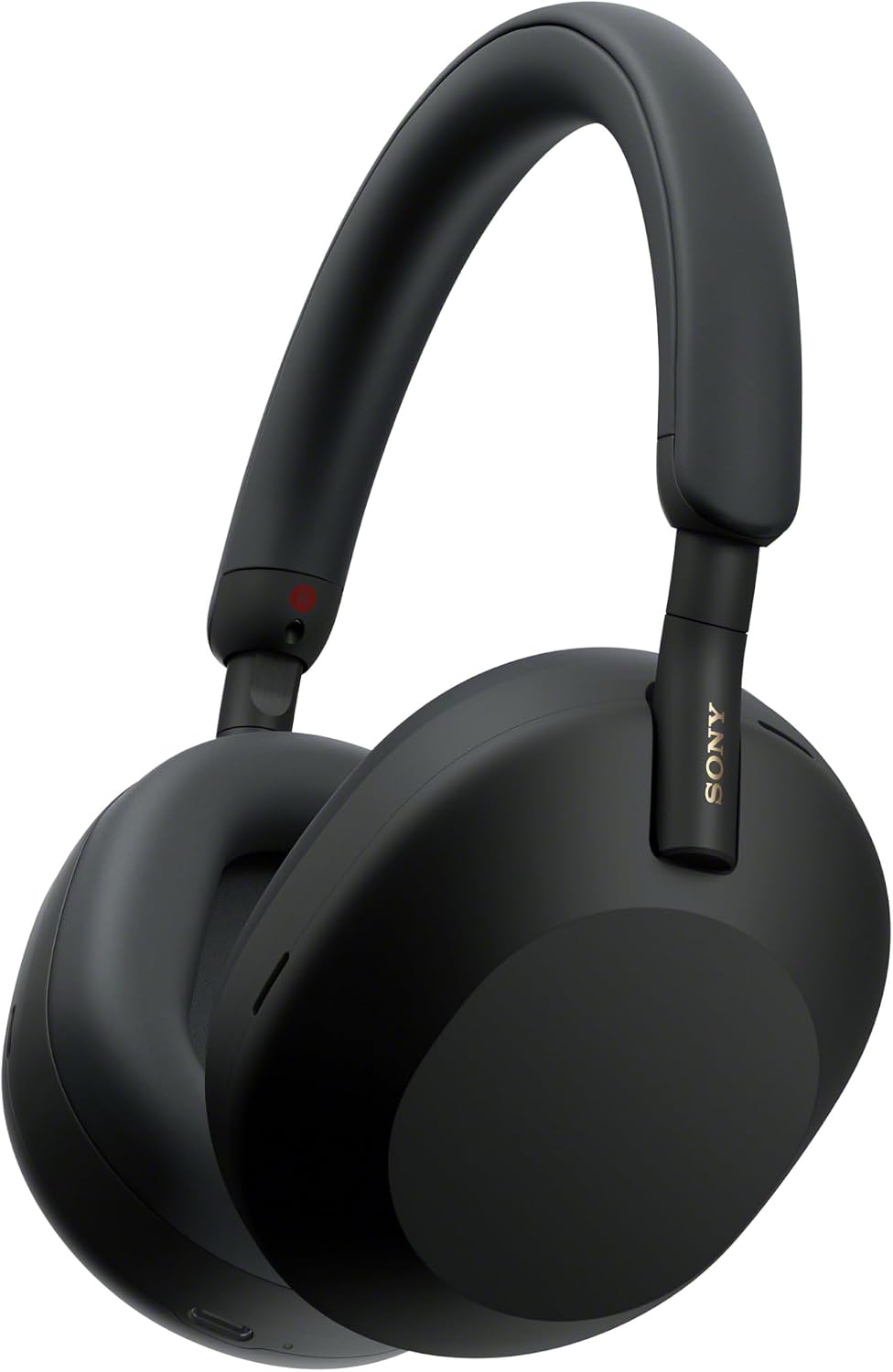
5. Sony WH-1000XM5
A home office is not always a quiet room with a door. The Sony WH-1000XM5 headphones are a premium gift for someone who shares a space, enjoys music while working, or wants a clearer boundary between focused work and household activity. They can also remain useful after the laptop closes, which helps the gift feel personal rather than purely work-related.
Noise cancellation can make background sound less distracting, but it will not remove every voice or sudden noise. Over-ear comfort is also individual, especially for people who wear glasses or keep headphones on for long stretches. Choose these for someone who already likes this style of headphone. If their main need is a headset for nonstop calls, consider their microphone expectations and workplace requirements before treating music headphones as a complete replacement.
- Best for: shared homes, music listeners, focused desk time, and hybrid workers
- Why it works: it combines a workday listening option with something they can enjoy off the clock
- Price range: around $298
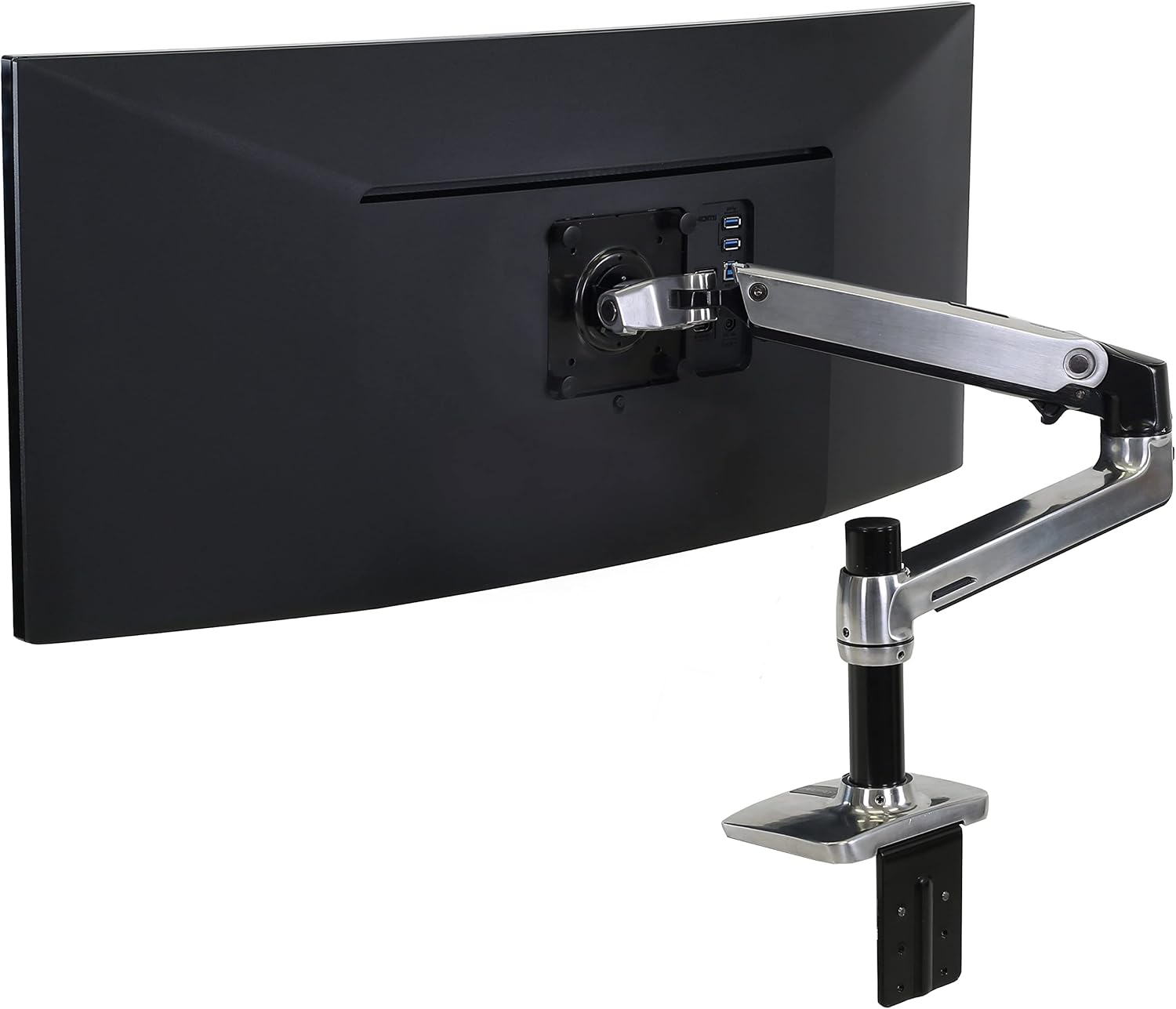
6. Ergotron LX Single Monitor Arm
A monitor arm is an especially practical gift for someone whose desk feels full even after they tidy it. The Ergotron LX Single Monitor Arm replaces a conventional monitor stand in a compatible setup and lets the screen position become part of the workspace arrangement. It is a thoughtful upgrade for a person who has already settled on a monitor they want to keep.
This is one of the gifts worth checking with the recipient before buying. Match the exact arm version to the monitor’s weight and mounting pattern, and confirm that the desk can accept the mounting hardware. Leave room behind the screen for movement and cables. When those details line up, the gift can improve the layout they use every day; without them, even a well-made arm can become an awkward return.
- Best for: permanent desk setups, compatible external monitors, and people reclaiming desk space
- Why it works: it frees the area occupied by a monitor base and allows more flexible positioning
- Price range: around $205
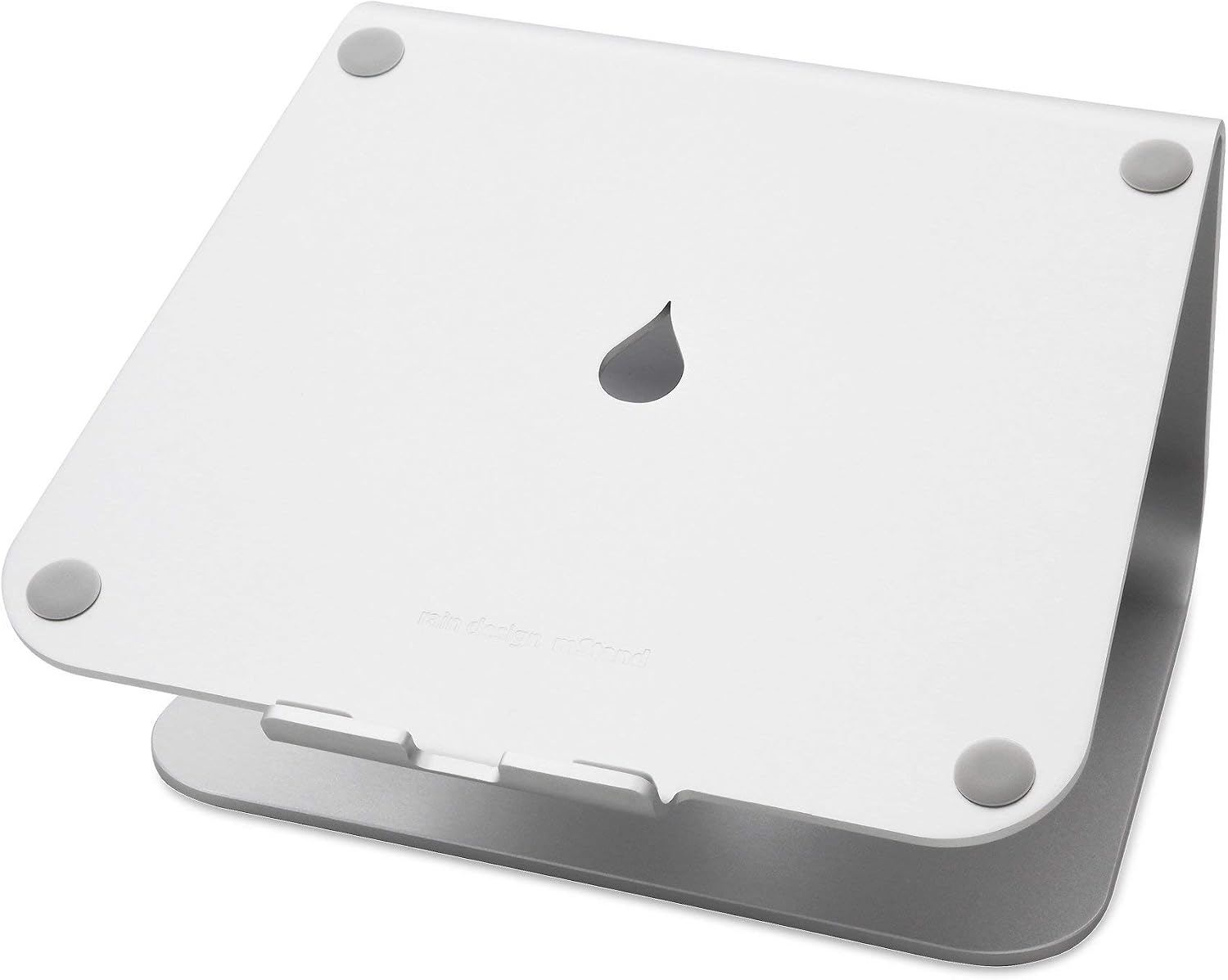
7. Rain Design mStand
The Rain Design mStand is a straightforward gift for someone who uses a laptop at a regular desk. Raising the computer can make the screen easier to position alongside the rest of the workspace and create a more intentional place for it to sit. It is also one of the more accessible gifts in this selection, without feeling like a novelty purchase.
A raised laptop works best with a separate keyboard and mouse, so look at the recipient’s whole setup before choosing it. The mStand is a fixed stand, which makes it better suited to someone who is comfortable with its height than someone who wants frequent adjustment. Check the laptop fit and the space on the desk. For a person who packs away their office every evening, a compact folding design may suit their routine better.
- Best for: laptop users with an external keyboard and mouse, and simple home office setups
- Why it works: it gives the laptop a dedicated raised position on the desk
- Price range: around $40
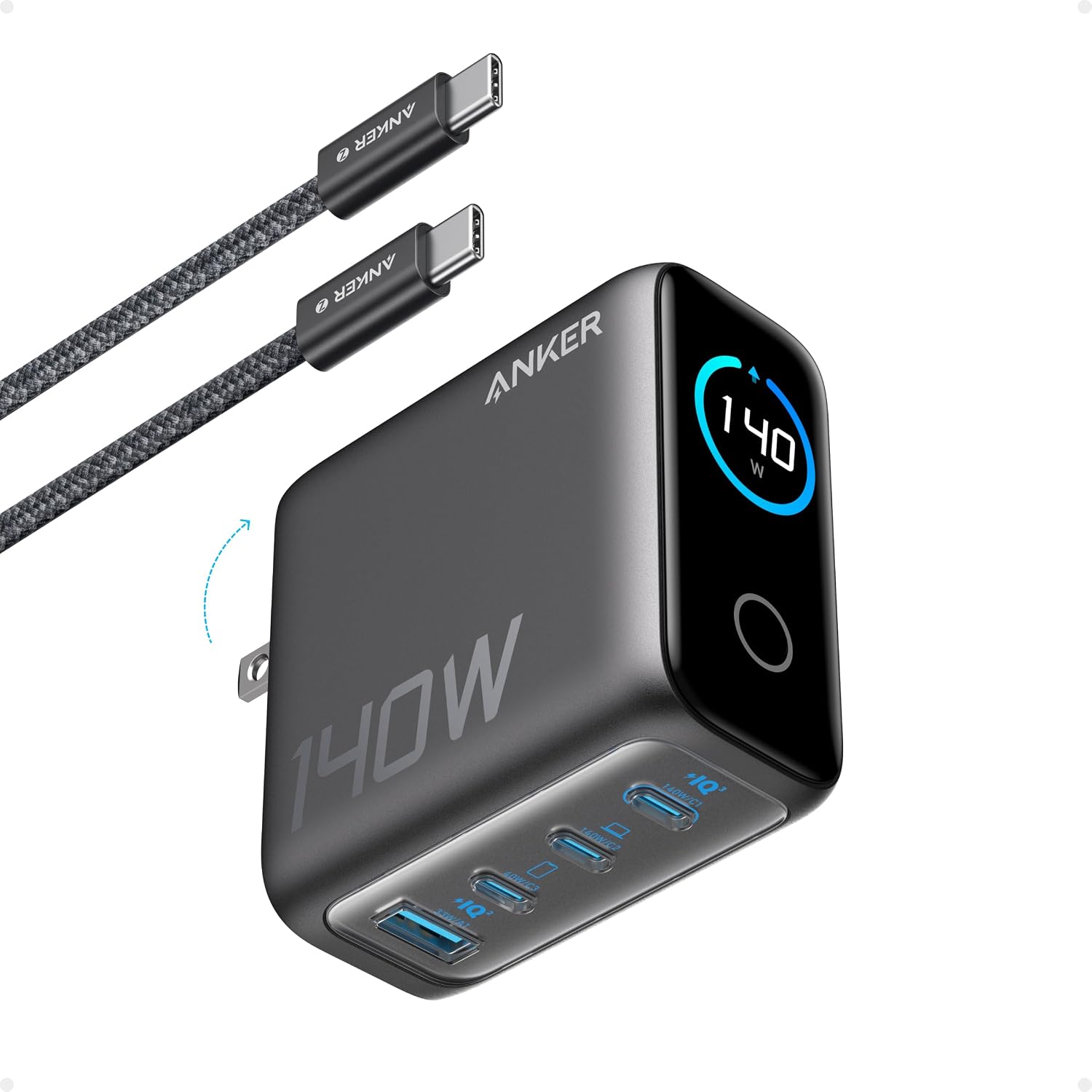
8. Anker 140W Max 4-Port GaN Charger with Smart Display
A charger can be a surprisingly welcome gift when someone moves between a laptop, phone, tablet, and other small devices. This Anker 140W Max four-port GaN charger with a smart display is aimed at a desk where charging has become a collection of separate adapters. It is a practical choice for someone who values a tidy, repeatable setup.
Match it to the devices and charging cables they actually own. The 140W maximum is not a promise of 140W from every port at the same time, and the power available to a device depends on the connection and what else is plugged in. It also does not replace a docking station for displays or data. As a gift, its strongest use is helping a compatible collection of devices share one charging point.
- Best for: people with several rechargeable devices, laptop desks, and hybrid work bags
- Why it works: it brings several charging connections together in one adapter
- Price range: around $80
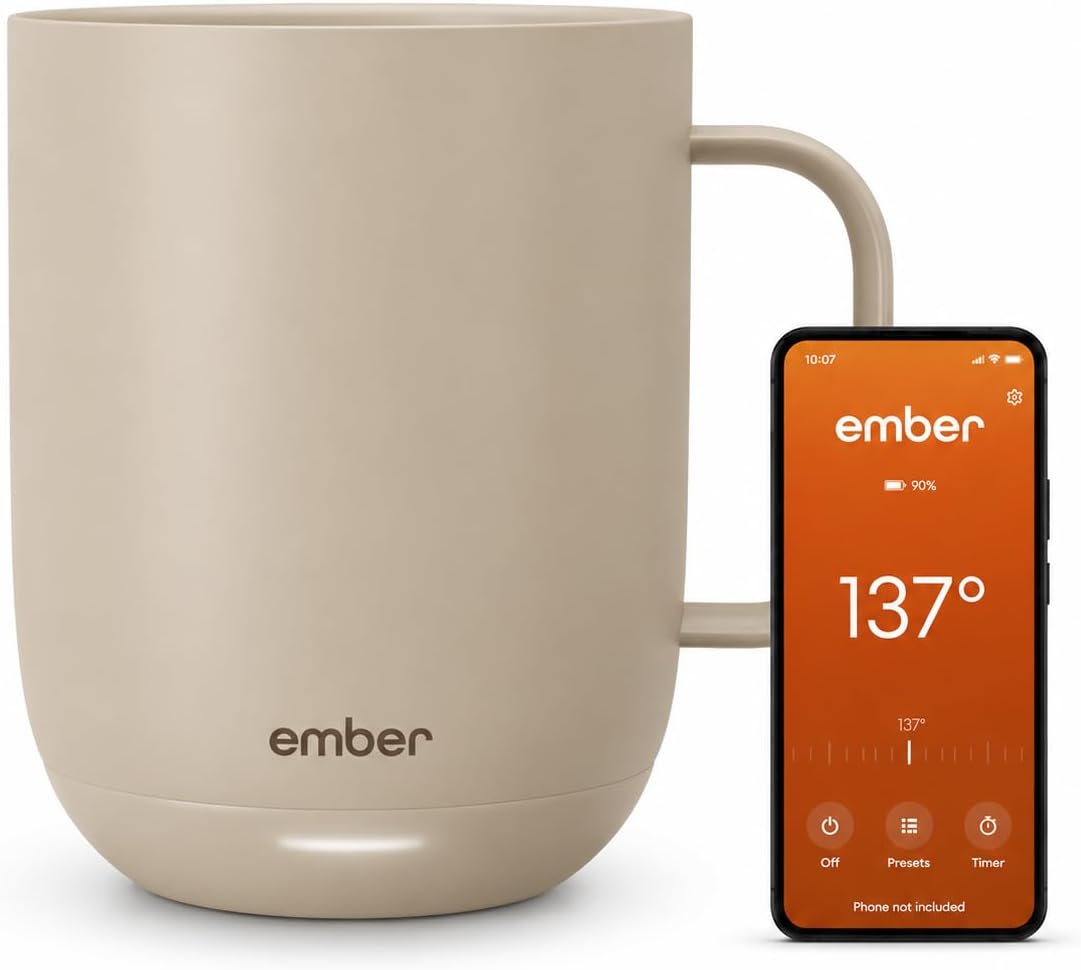
9. Ember Mug 2 — 14 oz
Some people finish a coffee before the first email. Others remember it only after a long call, when it has gone cold. The Ember Mug 2 in the 14 oz size is a gift for the second group. Its appeal is easy to understand: a familiar daily drink becomes something they can enjoy more slowly while working.
This is best for someone who likes having a mug at their desk and is comfortable adding a charging routine. It is a temperature-control mug, not a travel bottle, and it needs care appropriate to its electronics. Check the cleaning instructions and leave a sensible place for the charging coaster away from papers and cables. For the right recipient, it feels like a small everyday luxury rather than another piece of office equipment.
- Best for: slow coffee drinkers, tea breaks, and people whose drinks cool during meetings
- Why it works: it helps keep a favorite hot drink enjoyable through a slower workday break
- Price range: around $100
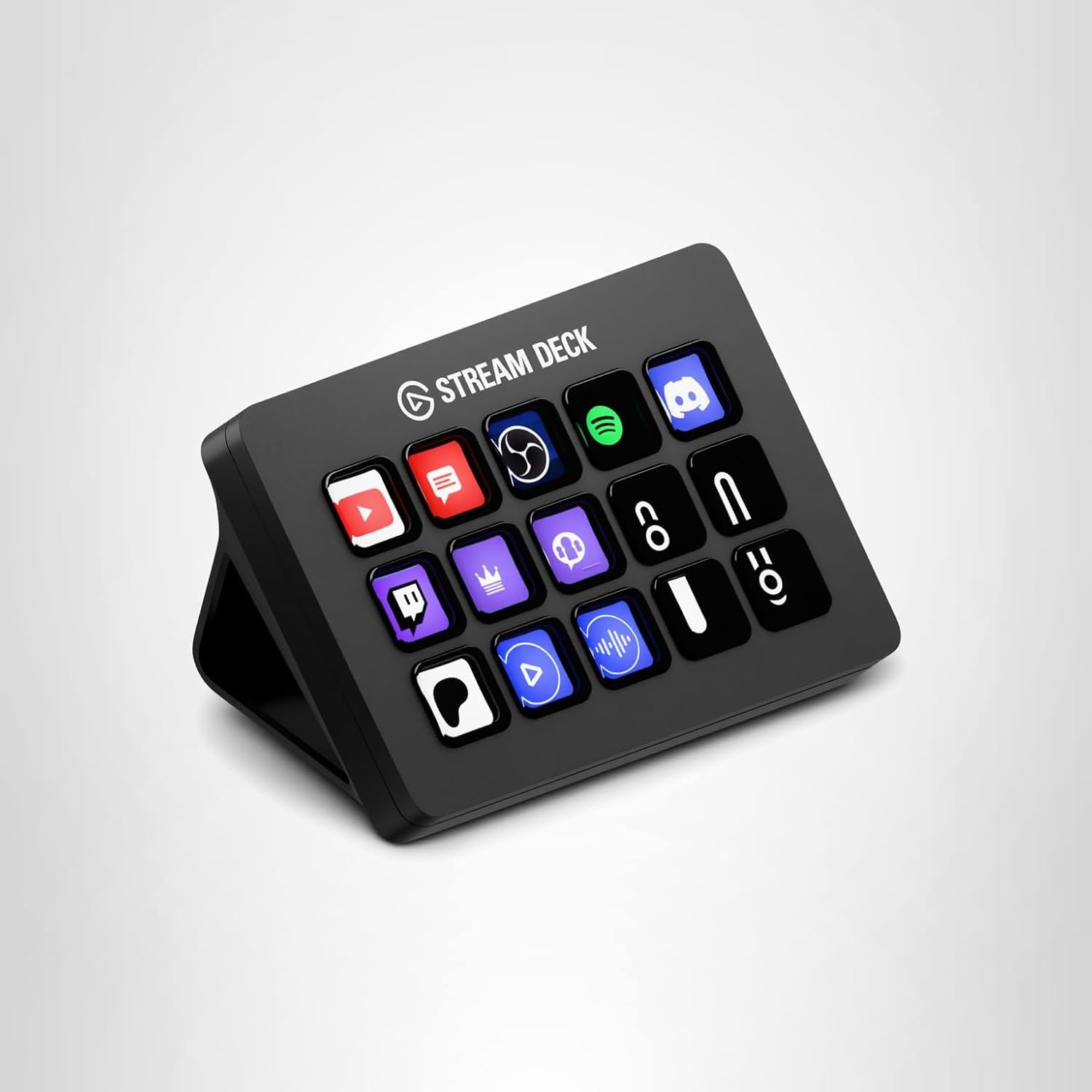
10. Elgato Stream Deck MK.2
The Elgato Stream Deck MK.2 is a gift for the person who already has a shortcut for almost everything. A set of customizable physical keys can make recurring computer actions easier to find and trigger. Its gift appeal extends beyond streaming to people who like arranging their tools around how they work.
It is most rewarding for someone who enjoys configuration. They can build a layout around supported applications and their own shortcuts, but that takes some initial setup. Check that the software and any needed integrations are allowed on their work computer. This is a more personal pick than a generic desk accessory: excellent for a workflow enthusiast, but potentially unused by someone who prefers to keep their computer setup as simple as possible.
- Best for: shortcut enthusiasts, presenters, creators, and people who enjoy configuring their workspace
- Why it works: it turns repeatable computer actions into a customizable set of physical buttons
- Price range: around $130
How to Choose the Best Gifts for People Who Work From Home
Start with the part of the day the recipient talks about most. If they complain about a crowded desk, a compatible monitor arm or a single charging point may be welcome. If their work revolves around presenting, a camera or microphone might be more useful. If they simply enjoy their morning coffee, a temperature-control mug can feel more thoughtful than a technical upgrade.
Look at what is already there. Buying a premium mouse for someone who loves their current mouse is less promising than filling a gap in their setup. A quick question or a photo of the workspace can reveal useful details without requiring the recipient to plan the whole gift. For anything that mounts to a desk or monitor, checking dimensions is part of choosing well.
Think about how permanent the workspace is. A monitor arm and light bar suit a settled desk, while a person who works in several places may get more use from headphones or a charger. A fixed laptop stand is helpful in the right arrangement, but it also assumes there is room for a separate keyboard and mouse.
For company-owned computers, ask whether installing accessory software is allowed. A customizable mouse, microphone setup, or shortcut controller can depend on permissions the employee does not control. That does not rule these gifts out, but it makes compatibility more important than an impressive feature list.
Finally, choose the level of setup the person will enjoy. Some people love arranging shortcuts and tuning their equipment; others want a gift they can understand immediately. The best home office gift fits that preference as well as the budget. Prices below are approximate shopping references, so check the selected version and current offer before ordering.
- For everyday computer work: consider the Logitech MX Master 4.
- For a dim desk: consider the BenQ ScreenBar Halo 2.
- For regular video meetings: consider the Logitech BRIO 4K.
- For spoken presentations: consider the Elgato Wave:3 MK.2.
- For shared spaces: consider the Sony WH-1000XM5.
- For desk arrangement: consider the Ergotron LX or Rain Design mStand after checking fit.
- For everyday convenience: consider the Anker charger or Ember Mug 2.
- For someone who loves shortcuts: consider the Elgato Stream Deck MK.2.
FAQ
What are good gifts for people who work from home?
Good gifts solve a specific everyday need: lighting the desk, improving the call setup, arranging a screen, charging devices, or making breaks more enjoyable. A mouse, webcam, monitor arm, headphones, or temperature-control mug can all work. The most useful choice depends on the person’s workspace and what they already own.
What is a useful home office gift under $100?
At the approximate prices in this guide, the Rain Design mStand is around $40 and the Anker charger is around $80. The Ember Mug 2 is around $100. Check the current offer before buying, and remember that a laptop stand makes most sense alongside an external keyboard and mouse.
What should I buy for someone who already has a complete home office?
Look for a detail they still find inconvenient. That might be cold coffee, too many charging adapters, or a desk crowded by a monitor base. If the setup already works well, choose a comfort they will enjoy rather than replacing equipment simply because a newer model exists.
Is a webcam or microphone the better gift for remote work?
Choose a webcam when camera placement or video is the main concern. Choose a microphone when the person regularly teaches, records, or presents and wants to improve their audio setup. Room lighting, background noise, and placement still matter, so start with the actual problem rather than buying both automatically.
Are noise-canceling headphones a good work-from-home gift?
They can be a useful gift for someone who enjoys wearing headphones and works around background noise. They also have uses outside work. They do not create complete silence, and comfort varies from person to person. For someone whose day is mostly calls, check their headset and microphone preferences first.
What should I check before buying a monitor arm?
Check the exact monitor model, its weight without the stand, the mounting pattern, and the arm’s supported specifications. Then check the desktop thickness, material, mounting access, and clearance. A monitor arm is a better gift when you can confirm these details rather than guessing from screen size alone.
Does a laptop stand need a separate keyboard and mouse?
For a regular raised-screen desk arrangement, a separate keyboard and mouse help keep the input devices within comfortable reach. Otherwise, raising the laptop also raises the built-in keyboard. Consider the whole setup before gifting a stand, especially if the recipient currently works using only the laptop itself.
Is the Stream Deck MK.2 useful if someone does not stream?
It can be, especially for a person who enjoys configuring shortcuts and supported application controls. Its value comes from building a layout they will actually use. Check software permissions and integrations before buying it for a company computer, and choose something simpler for someone who dislikes setup tasks.